Request through White Rock Cybersecurity
Guardare Raises $5.6 Million in Oversubscribed Follow-On Round, Bringing Total Funding to $10.7 Million
Read More ->

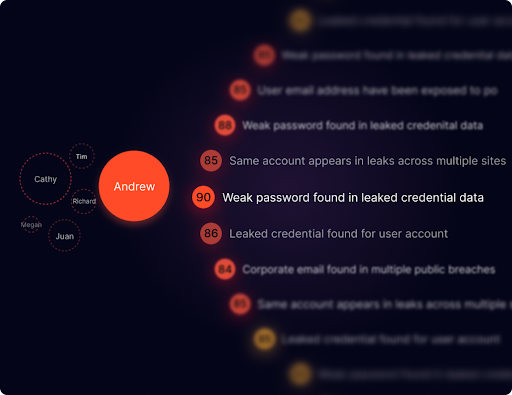
Guardare provides free tools to help security and IT teams explore exposure in their environment. Use the results as a starting point for investigation, then review the findings with the people responsible for the affected systems. For a connected view across your existing tools, explore the Guardare platform.
Use this White Rock Cybersecurity and Guardare page to request DarkScan and organize a credential investigation. The check provides breach information that an authorized account or identity administrator can review.
Identify the person who owns the affected account and the administrator who can check its status. Where an address is used in several systems, keep each account relationship clear.
The review should establish whether access is still required, whether a password needs to change, and which identity protections apply. Any changes should follow the organization’s normal authorization process.
Keep the action and its evidence together. Record the service reviewed, the administrator responsible, and any account that still needs investigation. A completed response for one login should not close every finding associated with the same address.




Complete the form to begin using this White Rock Cybersecurity and Guardare entry point. Keep passwords and other secrets out of the inquiry.