Request a DarkScan credential check
Guardare Raises $5.6 Million in Oversubscribed Follow-On Round, Bringing Total Funding to $10.7 Million
Read More ->

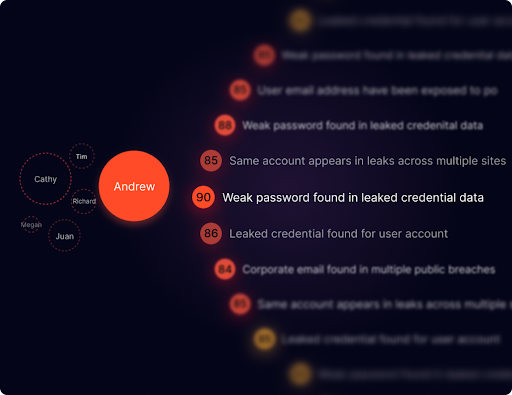
Guardare provides free tools to help security and IT teams explore exposure in their environment. Use the results as a starting point for investigation, then review the findings with the people responsible for the affected systems. For a connected view across your existing tools, explore the Guardare platform.
DarkScan checks for credential exposure associated with your company in known breach information. Use this Guardare tool page to request the check and begin reviewing the accounts that need attention.
A breach record is a reason to investigate an account. Confirm whether the address still belongs to your organization, whether the account is active, and whether the affected password was reused. A historical record does not by itself prove that an attacker currently has access.
Ask the account or identity administrator to review the finding. Depending on the account, next steps may include changing a reused password, reviewing sign-in activity, checking multifactor authentication, or disabling access that is no longer needed. Record the action taken so the same account does not remain an unresolved finding.




Complete the form to begin. Use the findings with your identity and account records when deciding what needs attention.